
Introduction
When a business fails to file their returns on time or needs more time to file, especially due to missing K-1s, unfinished bookkeeping, or delayed financials, they have the option to file Form 7004 to request an automatic 6-months filing extension (tax payments are not extended, they are still due). In some cases, certain filers like states and trusts can get a 5½-months extension.
However, not all “online extension filing” options are the same. The best-fit for your business depends on how you work: a fast extension-only workflow for one entity vs. bulk, multi-client workflows with stronger validations and operational tracking.
7 Tools to E-File IRS Form 7004 Online in 2026
Here are 7 of the best tools that you can use to e-file business tax extension Form 7004:
1. EZExtension
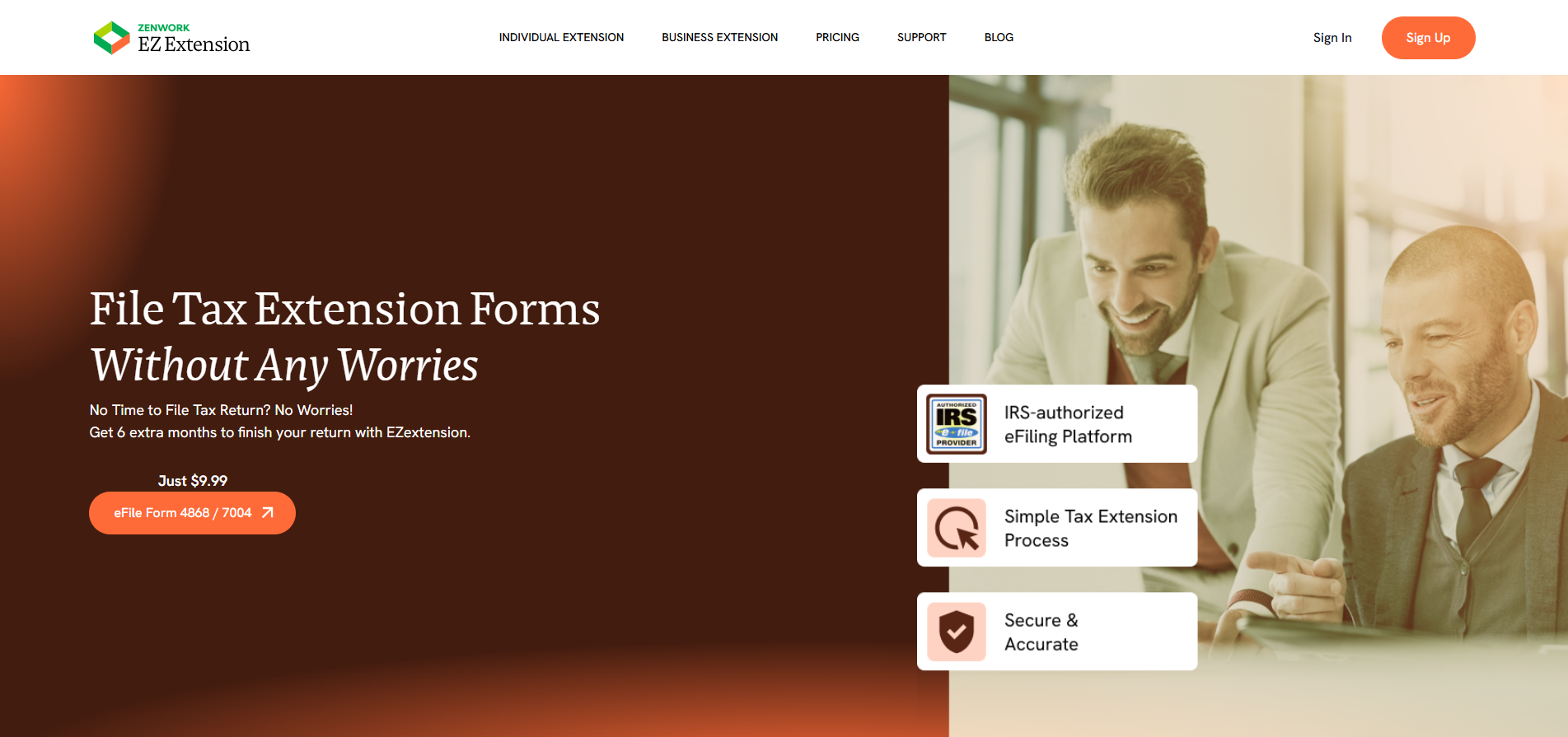
EZExtension is an online extension e-filing service that is focused on helping businesses and individuals file Form 7004 (business) as well as Form 4868 (individual). The platform offers a straightforward and simple guided workflow that makes filing easier and faster.
Key Features
- Simple online extension filing workflow focused on Form 7004
- Built-in validation checks to check for errors
- Ability to save form filing progress and return later
- Send email confirmation, plus get access to an online status-check tool
- Correct and retransmit rejected extension forms with no additional charge
- State filing extension guidance is provided (if applicable)
| Pros | Cons |
|---|---|
| Low starting price for Form 7004 filing | Hyper-focused on extension filing |
| Simple extension-focused filing workflow | State extension filing may require additional steps in the workflow beyond the federal extension |
| Clear status and confirmation visibility |
Pricing
- Form 7004 filing: $9.99 (One-Time Filing)
2. TaxExtension.com

TaxExtension has been a pioneer in the online tax extension industry. They offer both business and personal extension filing. Their simple guided extension workflow works best for filers with very little tax filing experience.
Key Features
- Step-by-step guided filing and resubmission workflow for Form 7004
- Get access to extension filing details, including status via e-mail or SMS (opt-in)
- Get access to articles explaining common Form 7004 rejection/error codes
- Download/print your extension as a PDF from your account
- Option to pay taxes using Electronic Funds Withdrawal (EFW)
| Pros | Cons |
|---|---|
| Plan-based pricing with a free print/mail option | Free option is for print& mail plan only |
| Status visibility via email notifications and SMS alerts | Plan pricing is higher than other extension tools |
| Strong support center & knowledge base covering filing steps, troubleshooting, and rejection codes |
Pricing
- Self Print & Mail: Free
- E-File Essential: $24.95
- E-File Premium: $34.95
- E-File Professional: $59.95
3. ExpressExtension
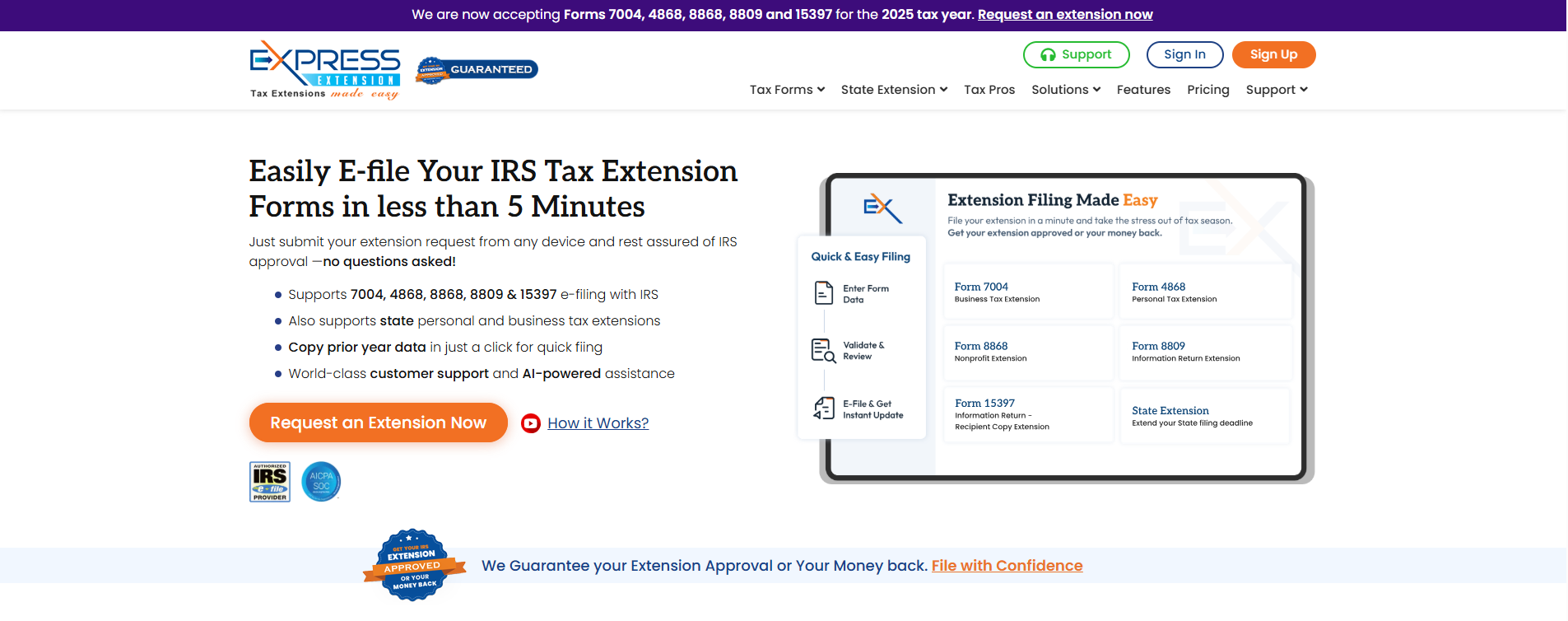
ExpressExtension is an online extension filing platform that offers support specifically for Form 7004 and Form 4868 filing. They offer built-in accuracy checks, a guided workflow, and expert assistance helps improve the chances of IRS approval. They also provide real-time status updates, AI assistance and support as well as state extension support.
Key Features
- Guided Form 7004 filing process with AI assistance
- Receive real-time status updates on filing progress via email or dashboard
- Free correction and retransmission if the first filing was rejected
- Bulk data upload and high-volume filing options with client management tools for tax professionals
- Money is refunded if the IRS rejects Form 7004 because it was already filed.
| Pros | Cons |
|---|---|
| Built around filing extension workflow with simple and free corrections | Higher entry price compared to other alternatives |
| Easy to track filing status via dashboard or email | Priced per filing can scale quickly with multiple entities |
| Offers bulk filing options for high volume users | State extension support requires extra manual steps |
Pricing
- Form 7004 Filing: $19.95 per form
4. Tax2efile
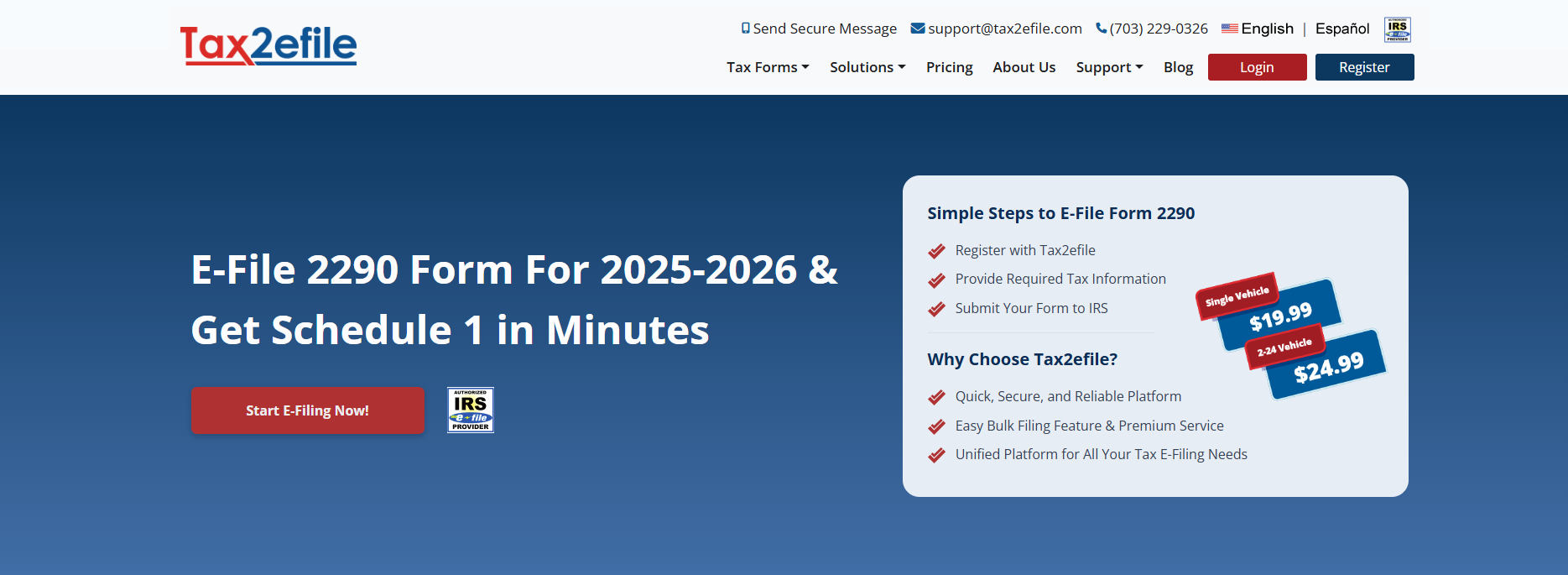
Tax2efile is a state-of-the-art IRS authorized tax filing software that supports filing for multiple forms, including Form 7004 across web and mobile. It offers a secure filing tool designed to make submitting tax forms faster and easier with instant email confirmations and bilingual customer support.
Key Features
- Get unlimited filing across different forms from a single account
- Receive instant confirmation and filing status via email
- Avoid errors with automatic error checking option
- Bilingual customer support (English + Spanish), plus a dedicated cybersecurity team
| Pros | Cons |
|---|---|
| Useful if you want 7004 filing, plus other IRS form workflows in one account | Multi-form platforms require more setup time than an extension-only provider |
| Single account with unlimited filing that is useful for repeat filers | |
| Offers mobile access |
Pricing
- Form 7004 Filing: $14.99
5. TaxZerone
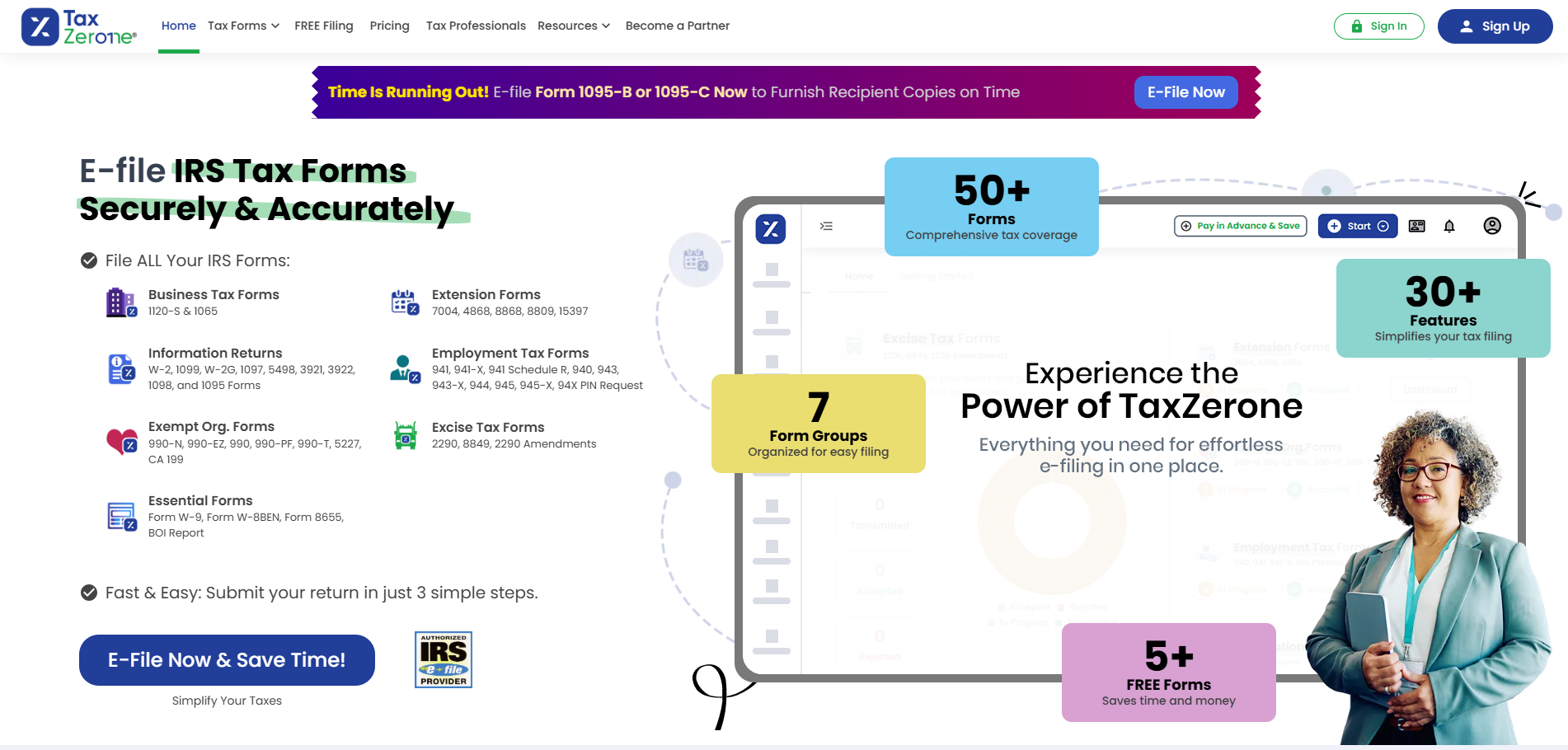
TaxZerone is an authorized IRS e-filing platform that supports a wide range of forms, including Form 7004 extension filing. The platform offers quick, step-based workflow, with features like built-in checks and real-time return status updates once the IRS accepts a filing.
Key Features
- Form 7004 guided e-filing to help you complete the filing procedure
- Run smart data validations to check for errors
- Check filing status and review past filing from your TaxZerone account
- Mobile app is available for Form 7004 e-filing
- Offers EFW payment option for extensions
| Pros | Cons |
|---|---|
| Focused on 7004 extension workflow with a broader extension hub if you also need other extension forms | Expensive pricing compared to other extension-only platforms |
| Built-in IRS rule validation and checks | No-login, one-time filing option not available |
Pricing
- Form 7004: $17.99 per return
6. TaxAct Business

TaxAct Business is an online DIY filing platform for Sole Proprietors, Partnerships, S-Corps, and other business types. It offers built-in step-by-step guidance and promotes “100% Accuracy” guarantee. It is a good fit for teams that are already preparing their business returns within TaxAct and want extension filing in one workflow.
Key Features
- Built-in extension workflow lets you generate Form 7004 from your return filing
- Offers state extension filing guidance to tell you whether your state accepts the federal extension automatically or requires a separate state extension
- Add-on access to tax experts through “Xpert Assist” (unlimited calls/chats) and an “Expert Full Service”.
| Pros | Cons |
|---|---|
| Great choice if you are already preparing returns in TaxAct | May not be a good fit if you require only extension filing |
| Clear and simple state filing guidance | Pricing is tied to the tax software product/edition |
Pricing
- Price bundled within full business tax preparation packages
7. Drake Tax (Professional suite)

Drake Tax is a feature-rich tax preparation and e-file software. Designed primarily for professional tax preparers, it helps them create and e-file federal and state returns for individuals and businesses as well as Form 7004 extension filing with tools like return diagnostics/validation checks, multi-state support, prior-year data tools, and workflow customization.
Key Features
- Ability to generate Form 7004 from inside the business return workflow
- Manage state extension transmission behaviors using override options
| Pros | Cons |
|---|---|
| Good fit for firms already using this platform for their filing needs | Designed only for professional filers. Normal consumers may find the platform difficult to navigate |
| Clear settings to control state extension filing | Professional licensing makes it unsuitable for one-off filers |
Pricing
- Price bundled within packages
How to Choose the Best Form 7004 E-Filing Tool For Your Extension Filing
The best way to file Form 7004 online depends on the situation. Whether you’re filing one business extension at a time or managing multiple 7004 extensions for different businesses, having the correct tool will help make filing easier, faster, and more accurate.
When searching for a Form 7004 filing tool, take a look at the following criteria:
- It should support the specific tax form type you are filing a 7004 extension for.
- It must provide clear confirmation trail and filing status visibility.
- It should offer validation checks to prevent and reduce errors.
- It should have a simple error correction and retransmission.
- It must have a clear way to handle any payment due by the deadline
- For users managing multiple businesses, it should provide bulk filing and multi-entity workflows.
- Pricing should be transparent and easy to understand.
- The platform should allow you to easily access and save copies.
Conclusion
Comparing different Form 7004 e-file options helps businesses control and minimize any compliance risk that may come with missed filings. Having the right tool makes it easier to request an extension and get additional time to file accurately and on schedule.
FAQs
1. Can Form 7004 be e-filed?
Form 7004 can be e-filed for most eligible business returns via e-file providers/software. There are a couple of exceptions where the IRS requires paper filing for requesting an extension for certain forms, including Form 706-GS(D/T), 706-QDT, Form 8613, Form 8725, etc.
2. Does Form 7004 extend the time to pay tax?
No, Form 7004 does not extend the time to pay. It only extends the time to file. You’d still need to pay any tax due on or before the deadline.
3. What information do I need to file Form 7004 online?
You’ll need the business name, EIN, the return/form code that you’re filing an extension for, the tax year/period, tax liability, payments, credits, and any balance due.
4. What proof should I keep after filing Form 7004?
You should save a copy of the submitted form, the e-file acknowledgement/acceptance record from the provider/software, and any payment confirmation. Since, the IRS does not send a separate approval notice for accepted extensions, these records matter.
File your Form 7004 extension to get 6 extra months!